Quick answer: the best free AI tools in 2026
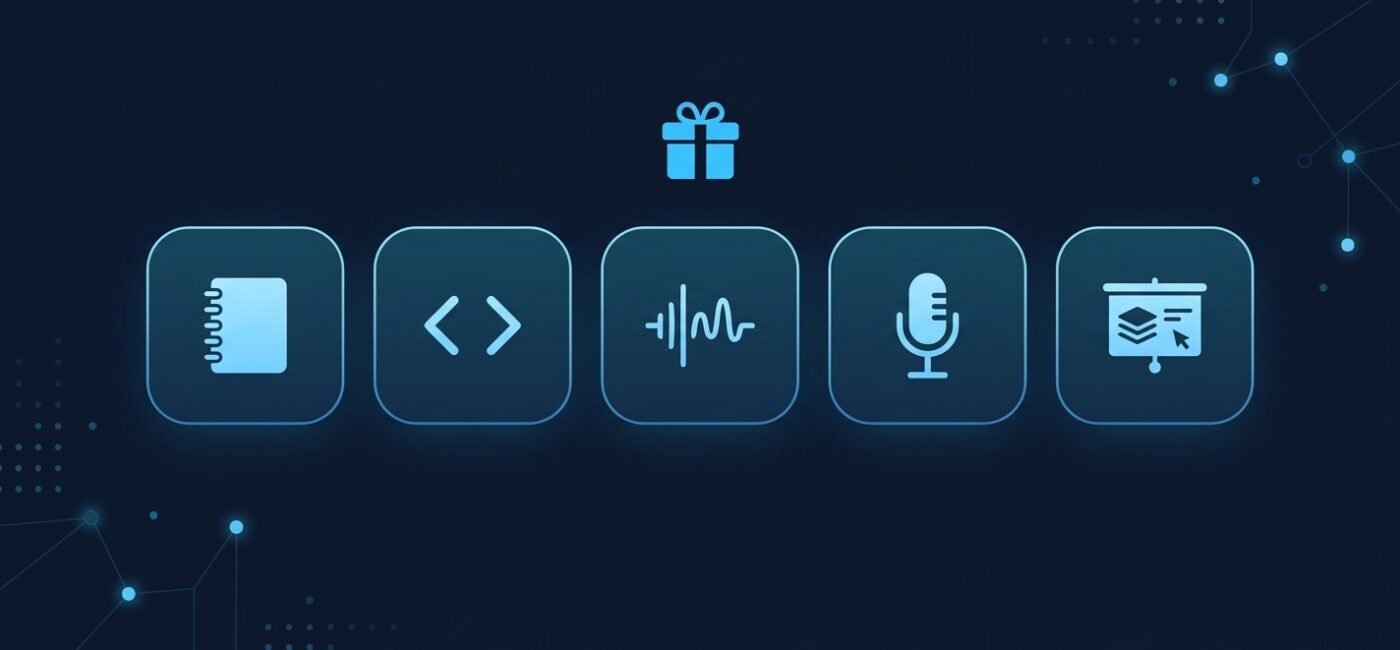
The best free AI tools in November 2026 are the ones whose free plan does a real job without forcing you to pay on day one. For chat, use a free chatbot. For everything else, five tools stand out for what their free plans include: NotebookLM for research, GitHub Copilot Free for coding, ElevenLabs for voice, Otter.ai for meeting notes, and Gamma for slides. Each has a limit that matters, and one of them has a licensing rule that can stop you from using the output commercially.
- Researching your own documents: NotebookLM.
- Coding help inside your editor: GitHub Copilot Free.
- Turning text into speech: ElevenLabs (personal use only on the free plan).
- Meeting notes and transcripts: Otter.ai Basic.
- Slides from a short prompt: Gamma.
We did not run hands-on tests. This guide summarises the figures in independent guides from August to November 2026, which in turn cite the vendors’ own pages. Plans change often, so use the official links at the end before you rely on a number.
Free AI tools at a glance
| Tool | Best free use | Free limit to expect | Paid plan from |
|---|---|---|---|
| NotebookLM | Questions about your own sources | Usage budget that refreshes every 5 hours, plus a weekly cap | Check Google’s page |
| GitHub Copilot Free | Code suggestions and chat in your editor | 2,000 completions and 50 chat messages a month | $10 a month (Pro) |
| ElevenLabs | Text-to-speech for personal projects | 10,000 credits a month, no commercial license | $6 a month (Starter) |
| Otter.ai Basic | Transcripts of short meetings | 300 minutes a month, 30 minutes per conversation | $8.33 a month, billed yearly (Pro) |
| Gamma | First draft of a presentation | 400 credits at signup, 10 slides per prompt | €8 a month, billed yearly (Plus) |
Figures come from the third-party guides linked in each section below, checked between August and November 2026, and may be out of date.
NotebookLM: best for research on your own documents
NotebookLM answers questions using only the sources you add, such as PDFs, notes and web pages. That makes it easier to check an answer than a general chatbot, because you can go back to the source. According to an August 2026 guide, the free plan allows 100 notebooks with up to 50 sources each.
- Best fit: students, researchers and anyone summarising a pile of documents.
- Where it runs out: the same guide says Google replaced fixed daily chat counts on September 2, 2026 with a usage budget that refreshes every five hours, plus a weekly limit. Longer chats and heavier features use more of it.
- Watch for: it works from your sources, but it can still misread them. Check important claims against the original.
GitHub Copilot Free: best for coding help
Copilot Free adds code suggestions and a chat assistant to your editor at no cost. A guide reviewed on October 2, 2026 lists up to 2,000 code completions and 50 chat messages a month.
- Best fit: hobby projects, learning to code and occasional scripts.
- Where it runs out: when either quota is used, suggestions stop until the next billing cycle unless you upgrade. Copilot Pro is listed at $10 a month.
- Watch for: 50 chat messages go quickly in a long debugging session. Keep prompts specific.
ElevenLabs: best for voice, with a licensing catch
ElevenLabs turns text into natural-sounding speech. An October 2026 guide says the free plan includes 10,000 credits a month, roughly 10 minutes of text-to-speech, and that credits do not roll over.
- Best fit: trying voices, personal projects and learning.
- Where it runs out: about ten minutes of speech a month.
- The catch: the same guide says free-plan audio cannot be used for any commercial purpose, and that published free output should credit ElevenLabs in the title. The cheapest plan with a commercial license is Starter at $6 a month. Read ElevenLabs’ current terms before you publish anything on a monetised channel.
Otter.ai Basic: best for short meetings
Otter records and transcribes meetings and writes a summary. A November 2026 guide lists 300 transcription minutes a month on the Basic plan, shared across the month and not carried over.
- Best fit: short calls and lectures under 30 minutes.
- Where it runs out: each conversation is capped at 30 minutes of transcription, so a one-hour meeting can come back incomplete even when minutes remain. Basic also allows only three file imports in total, not per month.
- Watch for: tell participants you are recording, and check your local rules and company policy first.
Gamma: best for a fast first draft of slides
Gamma builds a presentation from a short prompt. According to an October 2026 pricing page summary, the free plan gives 400 credits at signup, limits each prompt to 10 slides, and allows PDF and PowerPoint export. That summary does not say whether the free credits refresh, so check Gamma’s page.
- Best fit: a first outline you will edit yourself.
- Where it runs out: a one-time pool of credits and short decks. Removing Gamma branding is listed as a paid feature, so free decks may carry it.
- Watch for: treat the generated text as a draft. Check every fact and figure before presenting.
Free chatbots and image tools
We cover the main free assistants in a separate guide. See the best free AI chatbots in 2026 for ChatGPT, Claude, Gemini and Perplexity, and ChatGPT vs Claude vs Gemini for paid plans. For pictures, read our best AI image generators in 2026, which includes free options. Students can also start with our list of the best AI tools for students.
Before you use a free AI tool: three checks
- Commercial rights. Free plans sometimes limit what you can do with the output. ElevenLabs is the clearest example above. Look for a license or terms page before you publish for money.
- Privacy. Do not upload personal, financial or confidential files unless you have read how the tool stores and uses them.
- Limits that reset. Some allowances renew monthly, some every few hours, and some are a one-time pool. Know which one you have before you build a routine around it.
Frequently asked questions
What is the best free AI tool?
It depends on the job. For documents, NotebookLM. For code, GitHub Copilot Free. For general questions, a free chatbot. No single tool is best at everything.
Are free AI tools really free?
The plans above cost nothing, but they have caps. Free is meant to let you try the product, so heavy use usually needs a paid plan.
Can I use free AI output commercially?
Not always. A guide to ElevenLabs reports that free-plan audio cannot be used commercially. Check each tool’s own terms before you publish or sell anything.
Do free plans change?
Yes, often. NotebookLM, for example, reportedly replaced fixed daily chat caps with a usage budget in September 2026. Check the official page before relying on a limit.
Do you test these tools yourselves?
No. This guide summarises public plan details from the independent guides linked above, which cite the vendors. It is not a hands-on benchmark.
Official pages to check
Disclosure: some links on The AI Tools Deck may be affiliate links. If you sign up through them we may earn a commission at no extra cost to you. It never changes our recommendations. See our affiliate disclosure.